Asks.Learns.Logs.

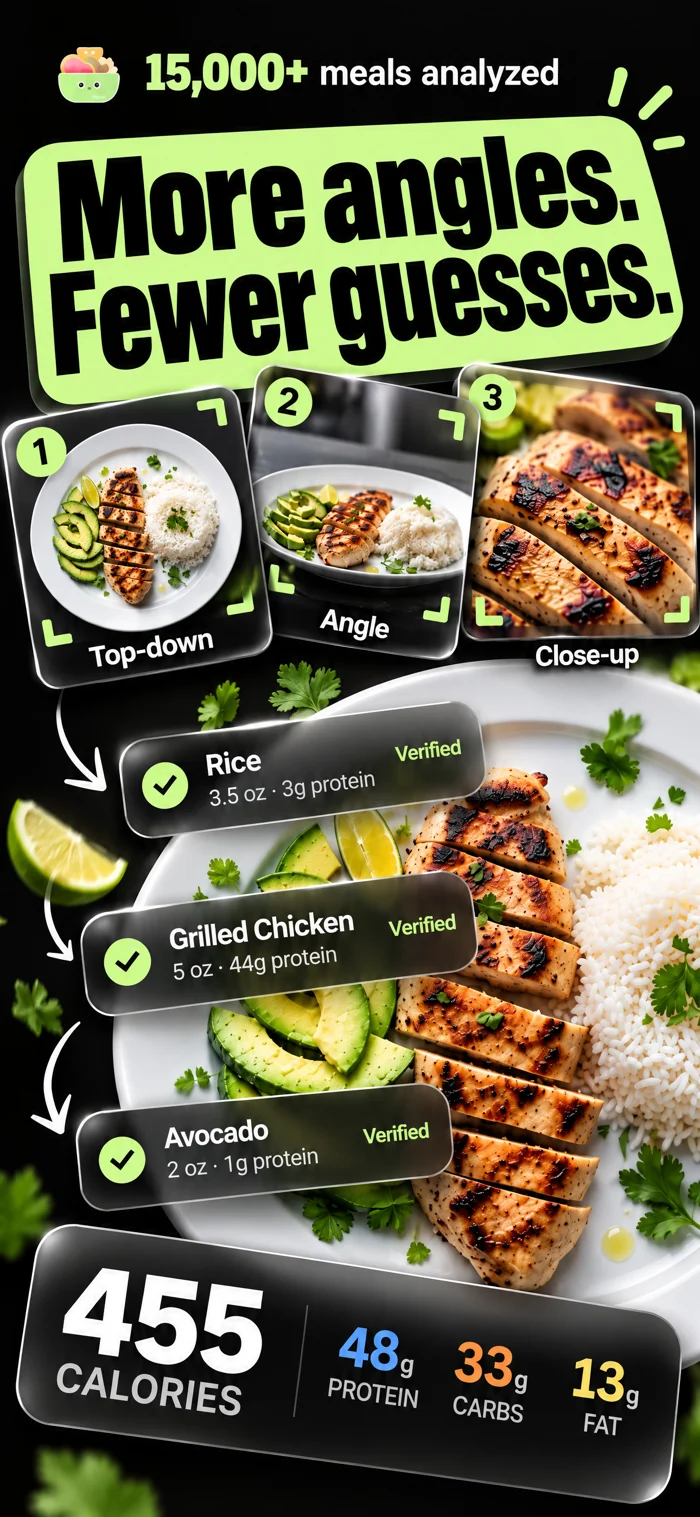
Snap one photo of the table. NutriSync runs a verifiable pipeline — identify the brand, narrow the variant, confirm the portion — and lands your macros. Impact-ranked questions, answered in taps.

★★★★★
4.8 · App Store
2,140
cal target · today
+58g
protein remaining
The scan flow

One photo. Six steps. No typing.

Scroll through the entire pipeline — from raw counter shot to verified macros — with no hallucinated guesses in between.

01 / 06
01 / Capture

One photo. The whole table.

Open the scanner inside the meal window you’re logging to. Frame the bowl, the can next to it, the chopsticks — whatever’s on the table goes in one shot. That’s the entire user input.

02 / Analyze

Pipeline takes over. Four stages, none of them guessing.

Recognize the food. Estimate portions against scale references in the frame. Look up verified nutrition. Calculate calories. You watch the checklist tick. No single-pass black box — every stage is auditable.

03 / Identify

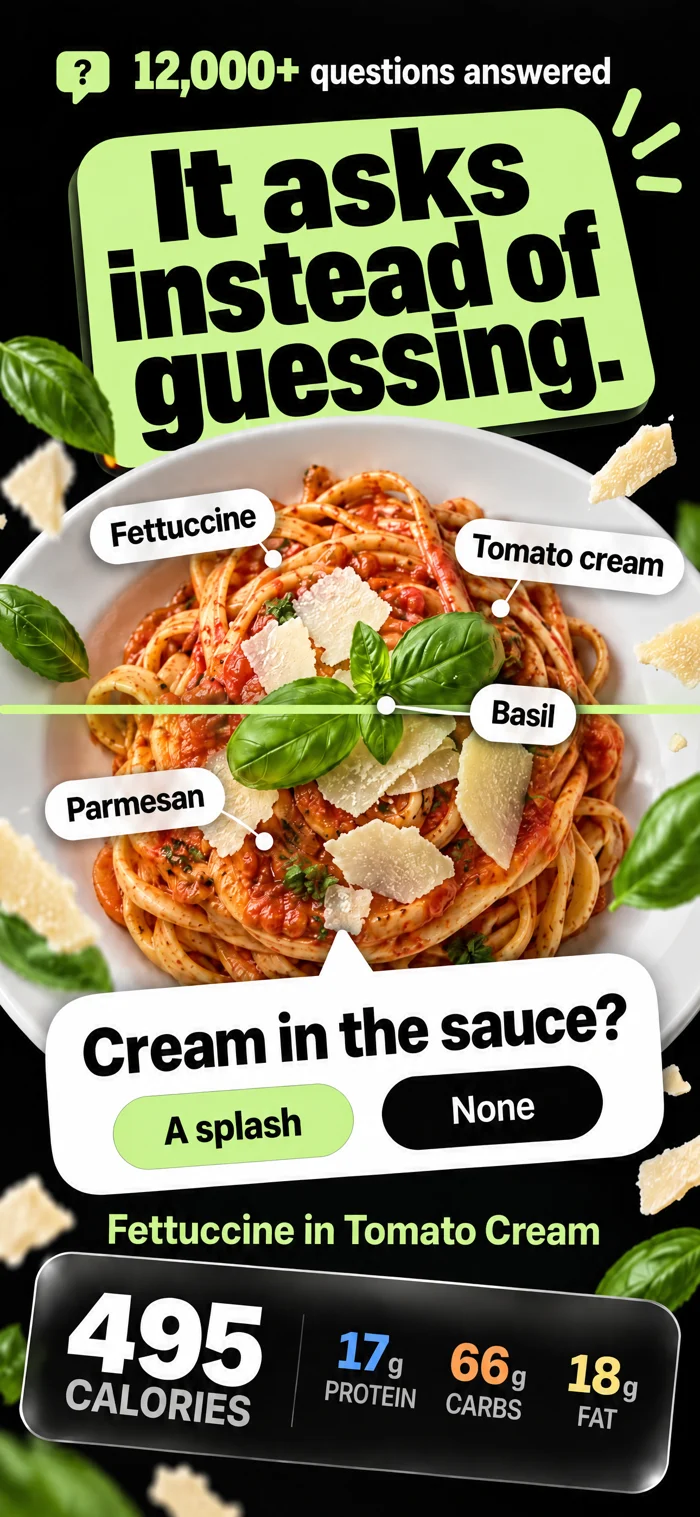
If the brand matters, it asks the brand.

Packaged foods carry the base nutrition. Buldak isn’t Shin isn’t Maruchan — the noodle and sauce numbers diverge by hundreds of calories. So the highest-impact question goes first, with the AI’s best guess pre-ranked.

04 / Clarify

Then it narrows. Flavor, sauce, prep.

Within the brand, the variant matters next. Carbonara vs. Original vs. Hek Buldak — same noodles, different sauce packs, different macros. The model surfaces the best visual match at the top and explains why. Tap to confirm.

05 / Portion

Only after the base is locked does it ask grams.

Portions of add-ins — the grilled chicken on top, the cheese, the extra protein — are medium-impact and asked last. Each option shows the protein delta so you can read the consequence before you tap.

06 / Verified macros

850 calories. From confirmed ingredients. Not a guess.

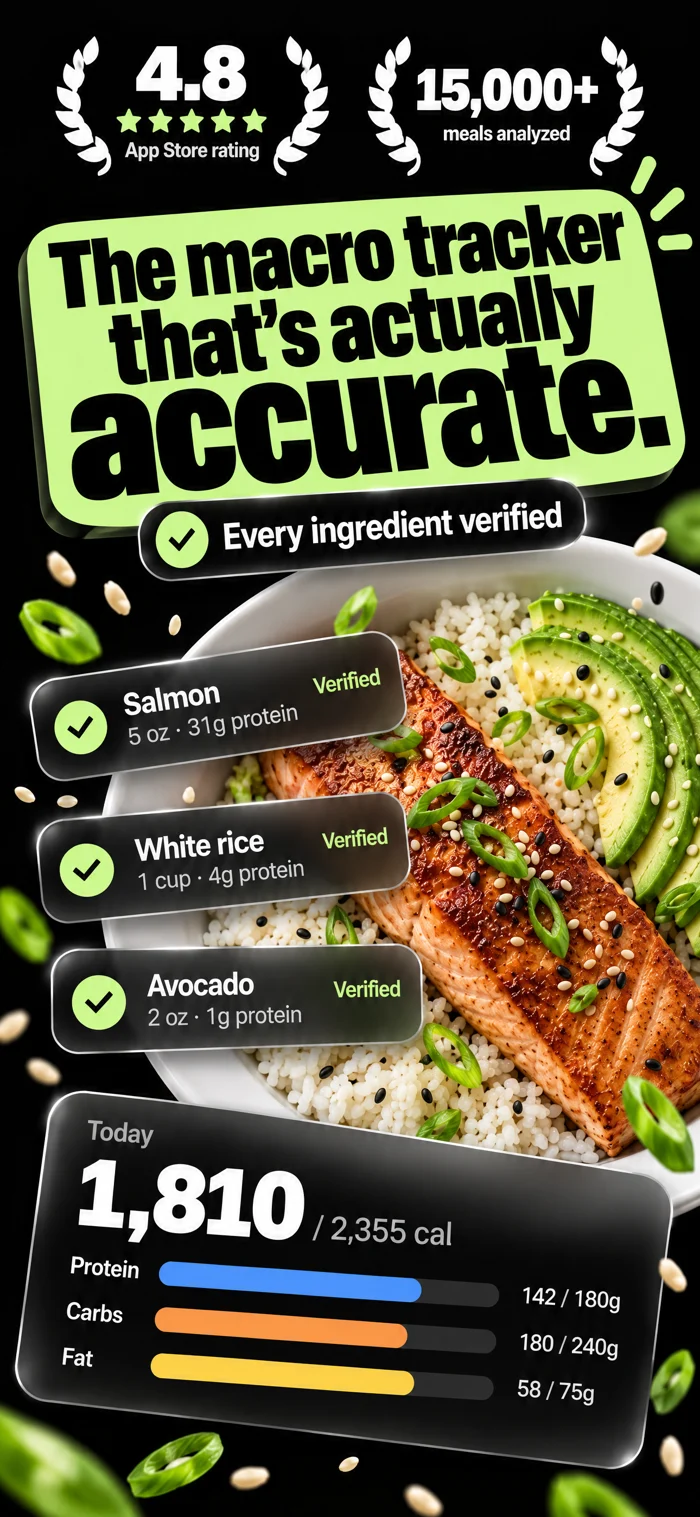
Final calories and macros are computed from the approved ingredient list against a verified nutrition cache. No hallucinated round numbers. The lunch window updates and you keep moving.

Every other tracker makes you do the math. NutriSync runs it for you.

Inside Today

Every number, in its place.

Tap any element to see what it does.

NutriSync Today screen

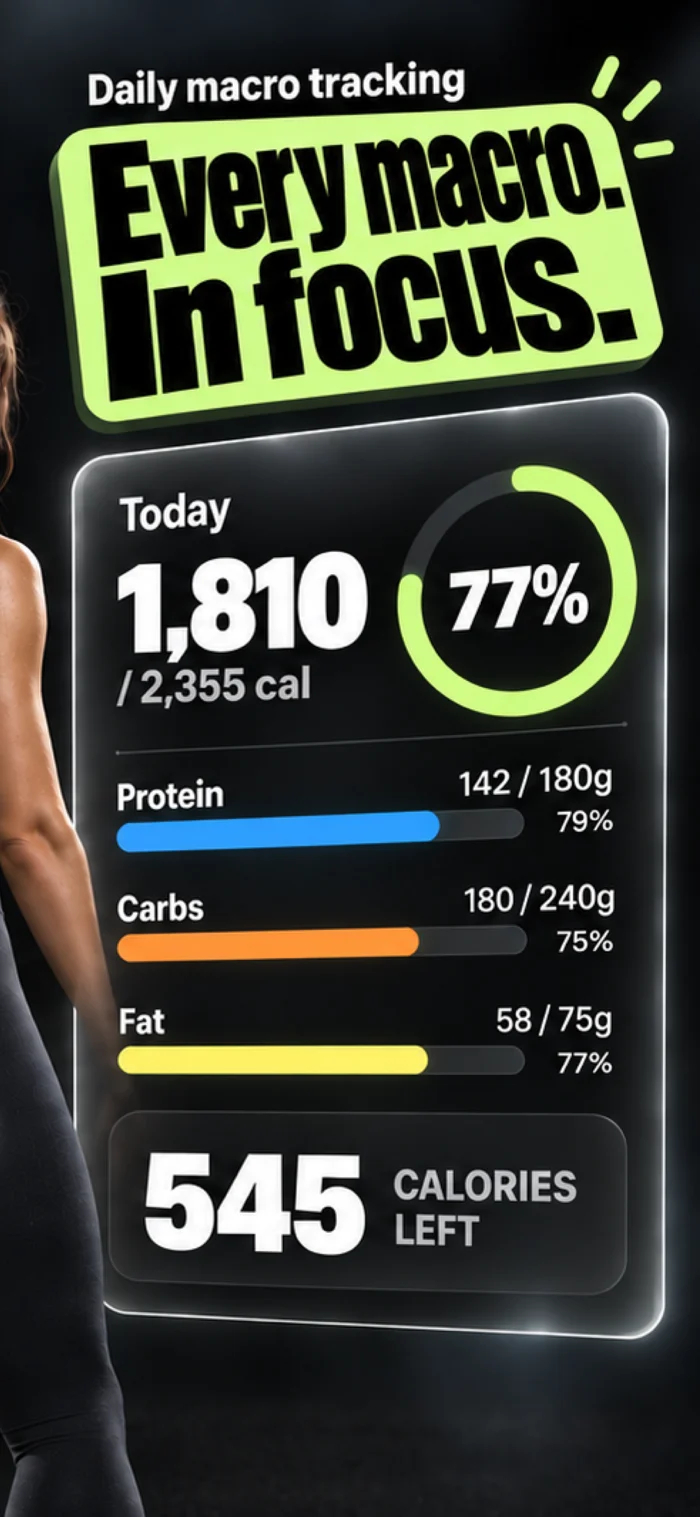
One number that actually moves. Updates the second a meal is logged — no refresh, no stale total, no mental math at 9pm. Progress bar shows the day at a glance.

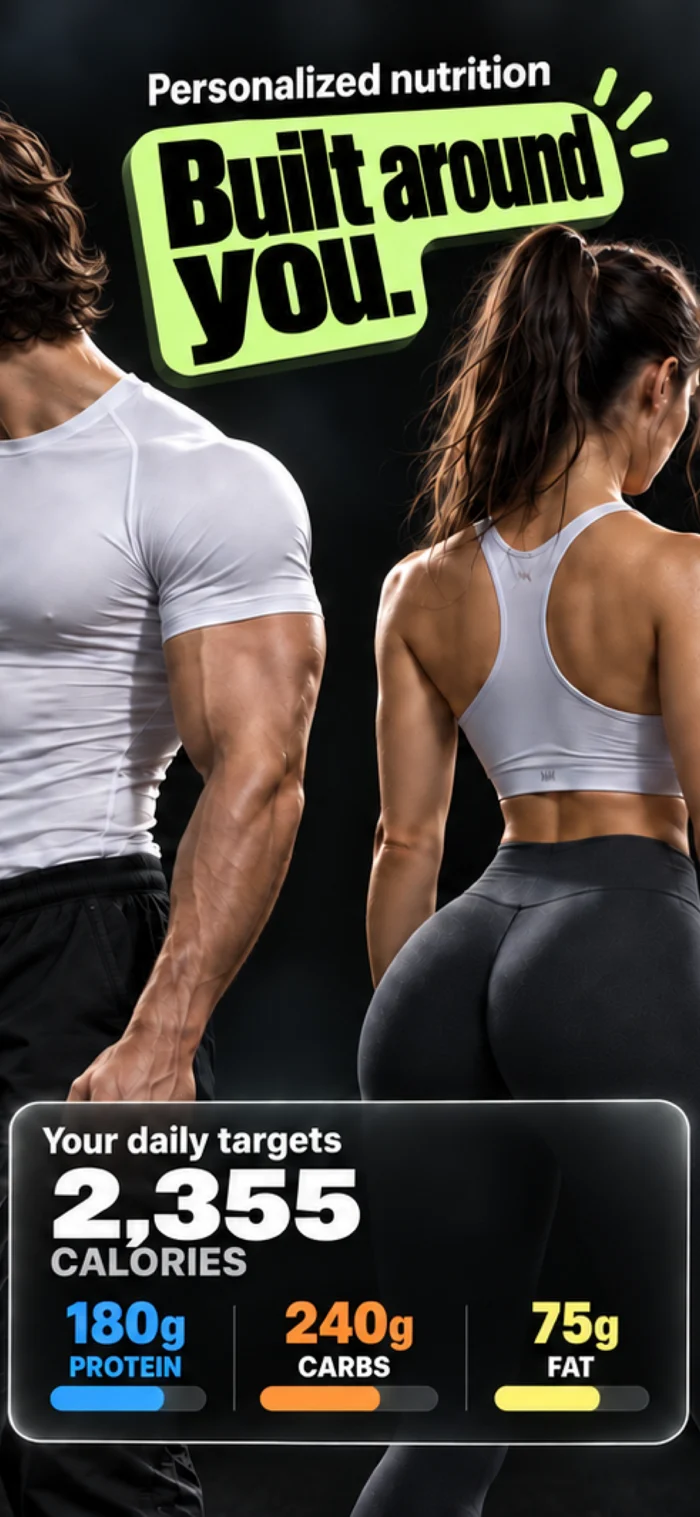
Protein, carbs, fat — three cards, three colors, three honest progress bars. Per-macro targets calculated from your goal. Hit your protein, ride out the rest.

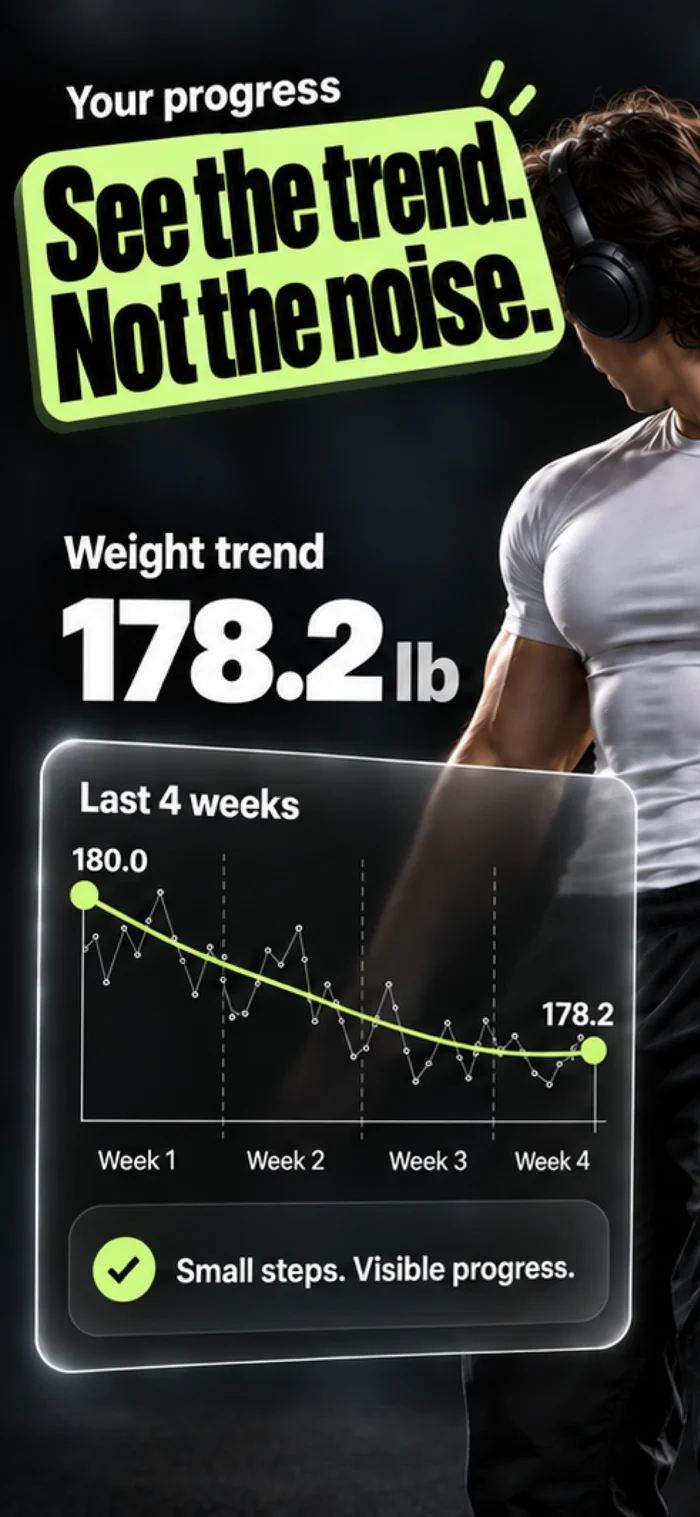
The line that drives the math. Smoothed week-by-week trend — not a single noisy weigh-in. Your daily calorie target moves with this curve, automatically.

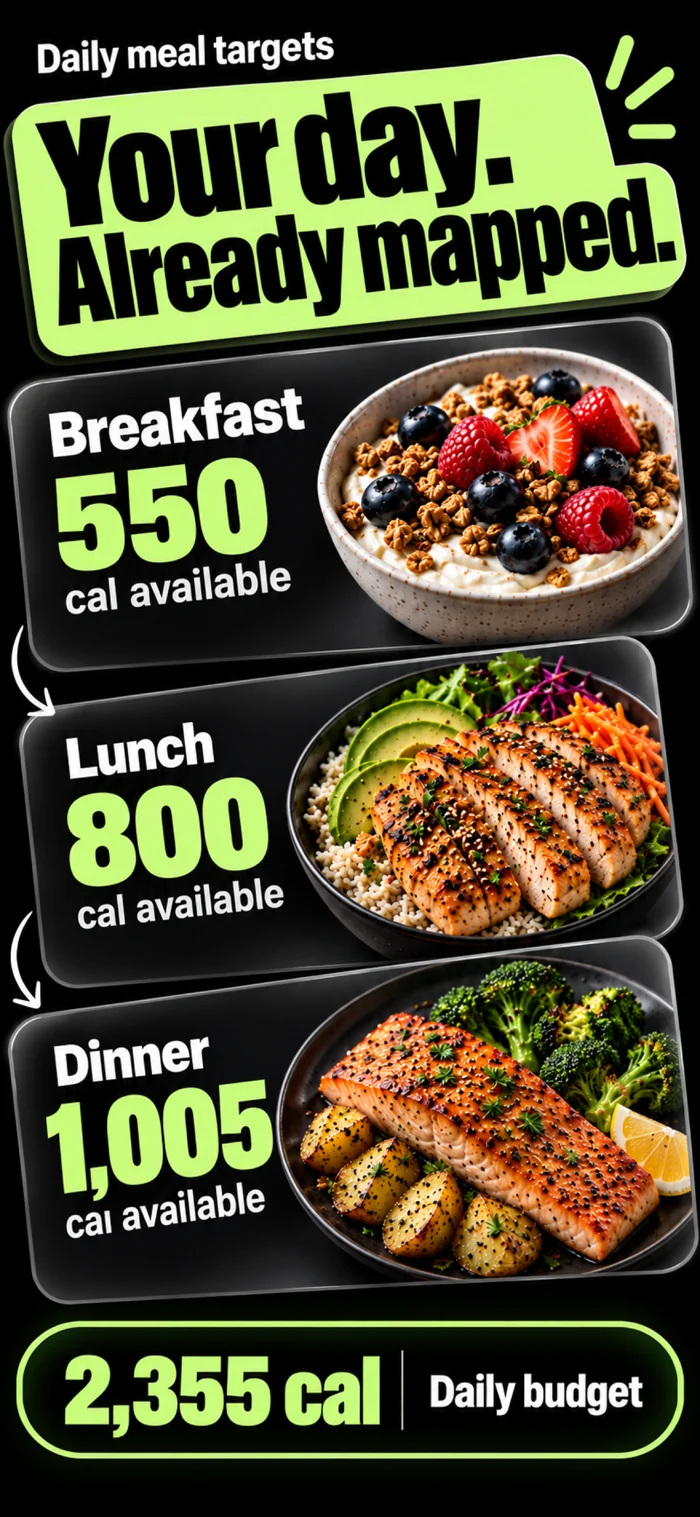
Always know what to eat next. Each window has its own cal + macro target. Over-ate at lunch — dinner contracts. Under-ate — it expands.

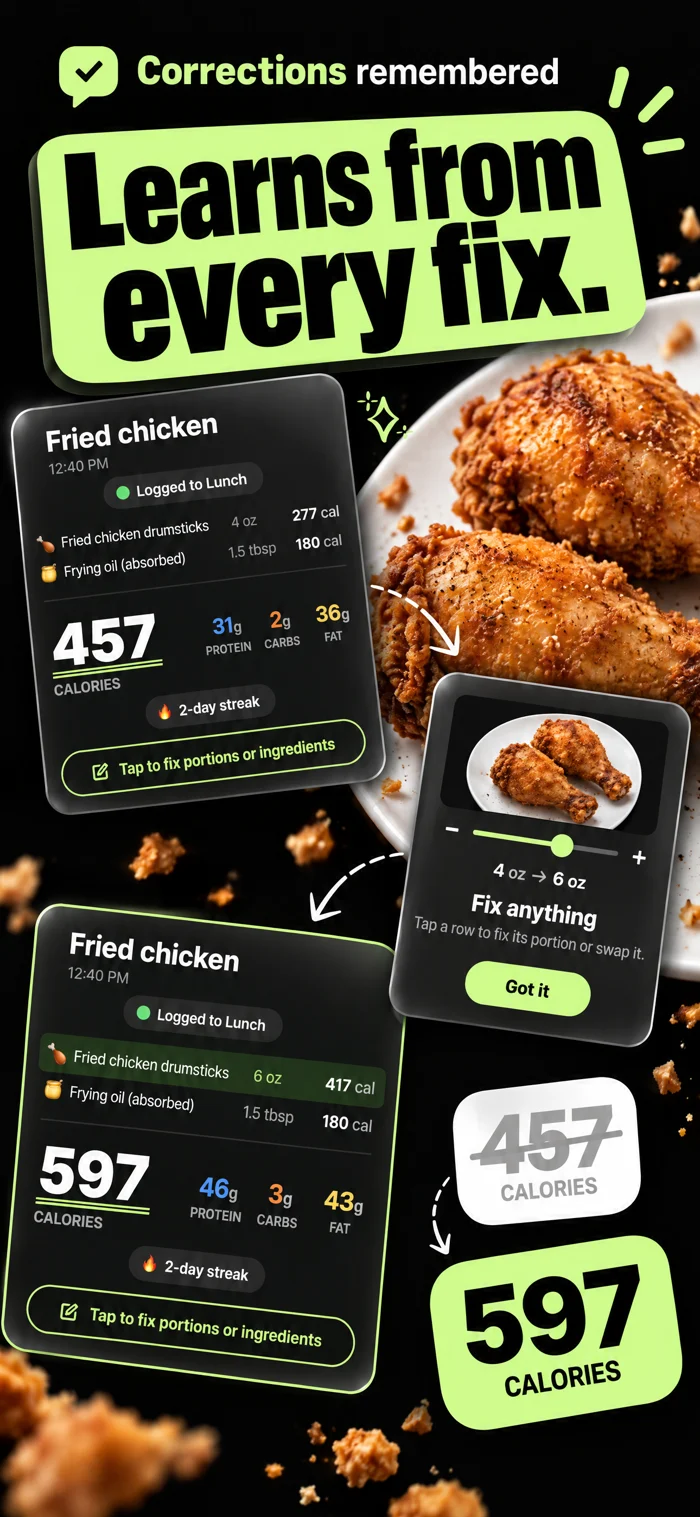
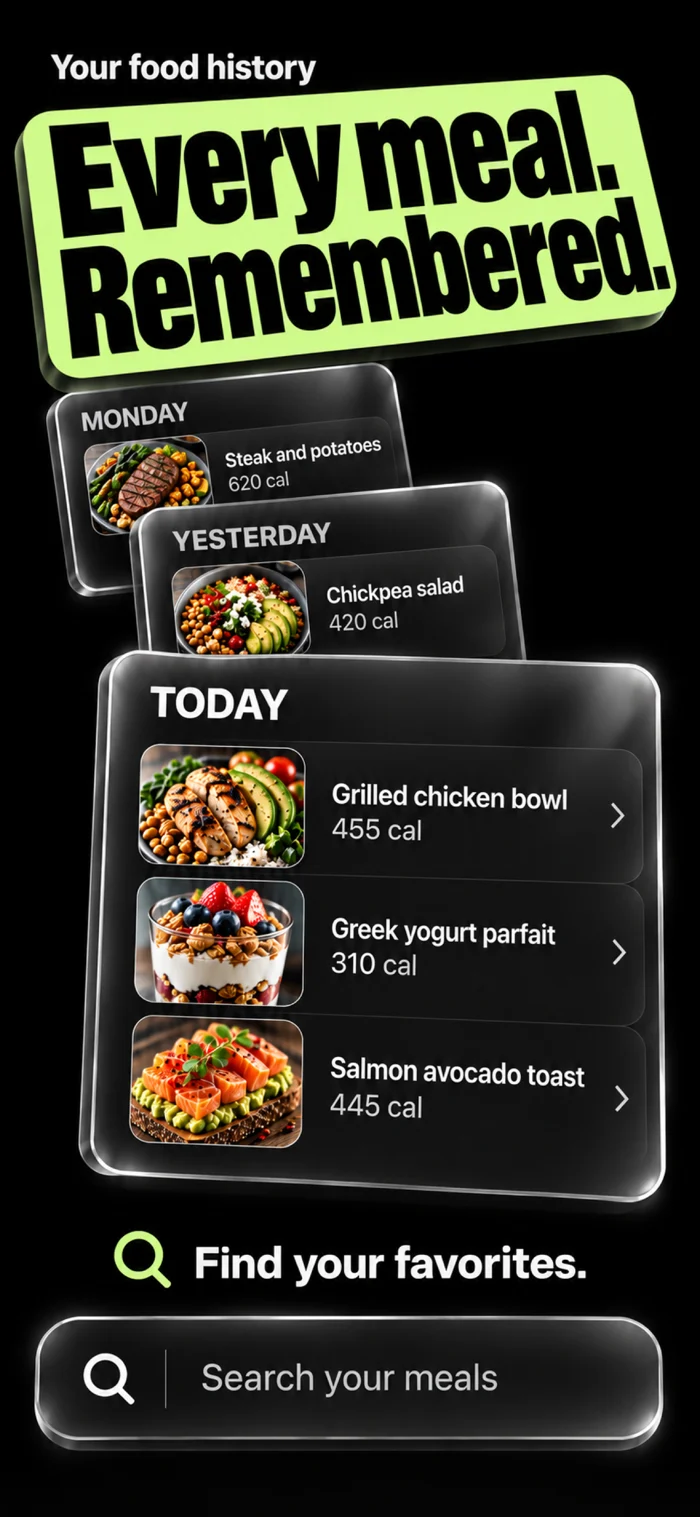
Every food you logged, sitting under its window with image and per-item calories. Tap any line to edit grams or remove. The numbers are yours.

1 photo
to log a full meal
Counter shot, plate, package — works on all of them.
3+
model pipeline
Triage, vision, clarification, verified lookup.
0
barcodes scanned
Don’t need them. Don’t use them.
±
edits per meal
Every line, every gram. The numbers are yours.
Head-to-head

The other trackers each get one thing right.

Feature
NutriSync
Cal AI
MyFitnessPal
MacroFactor
Photo-based meal logging
Multi-agent AI
Single-pass
Manual entry
Limited
Editable AI numbers
Every line, every gram
Adaptive daily target real TDEE
Static
In-day meal windows
What to eat next
UX built for lifters
Calorie-only
Generic
Tech-lifter only
Verified nutrition cache
Grows with usage
Crowd-edited
How a meal gets logged

From counter to logged in six seconds.

01
Snap the table.
Bowl of ramen, the can next to it, the leftovers — one frame, one shutter. The scanner already knows which meal window you’re logging to.
02
Impact-ranked questions.
High-impact identification first (which brand). Medium-impact portion last (how much chicken). Each option shows its macro consequence. Tap, don’t type.
03
Verified macros land.
850 cal · 34P / 125C / 23F, computed from confirmed ingredients against the nutrition cache. The lunch window updates and the day re-balances.
What lifters say

Numbers people, talking about numbers.

★★★★★
“Three years on MyFitnessPal vs three weeks on NutriSync. I’m never typing a chicken breast again.”
JR
J. Reyes
Powerlifter · 285lb total
★★★★★
“The window thing is what hooked me. I always know if I’ve got room for steak at dinner. Nothing else does this.”
MK
M. Khan
Hybrid athlete · 14% BF
★★★★★
“Used CalAI. Numbers were nonsense and I couldn’t edit. NutriSync’s scan is right more often, and when it’s wrong I can fix it.”
SD
S. Doan
Bodybuilding · prep coach
FAQ

Direct answers.

If your question isn’t here, email team@nutrisyncllc.com and we’ll respond within a day.

How accurate is the scanning, really?
Internal benchmark: head-to-head against CalAI, MyFitnessPal, MacroFactor and SnapCalorie — NutriSync wins every time. Multi-agent pipeline + verified cache makes the difference. Provable on camera.
What if the AI is wrong?
Edit any line, any number, any portion. Manual entry is still there for power users who want it. Your edits feed the verified nutrition cache so the system gets sharper.
Will my daily target update if I plateau?
Yes. TDEE is recalculated continuously from your actual weight trend and intake history. Stalls trigger an automatic adjustment — no manual recalculation, no “update my settings” friction.
What does it cost?
3-day free trial, then a subscription. Every scan runs through a multi-step AI pipeline that costs real money to operate. Your subscription keeps the engine running, the database growing, and accuracy improving with every entry.
Android?
iOS only at launch. Built native in SwiftUI. Android is on the roadmap.

Track like the math is on your side.

Download NutriSync. Snap one meal. See what every other tracker has been getting wrong.